Four options for students without a laptop

The University provides a range of options to help students if they find themselves without a laptop during their studies.
Whether a device is lost, broken, or not within budget, students can borrow a laptop, visit a PC classroom or explore discounted purchase schemes.
Use the information below to see which option suits you best.
1. Borrow a laptop
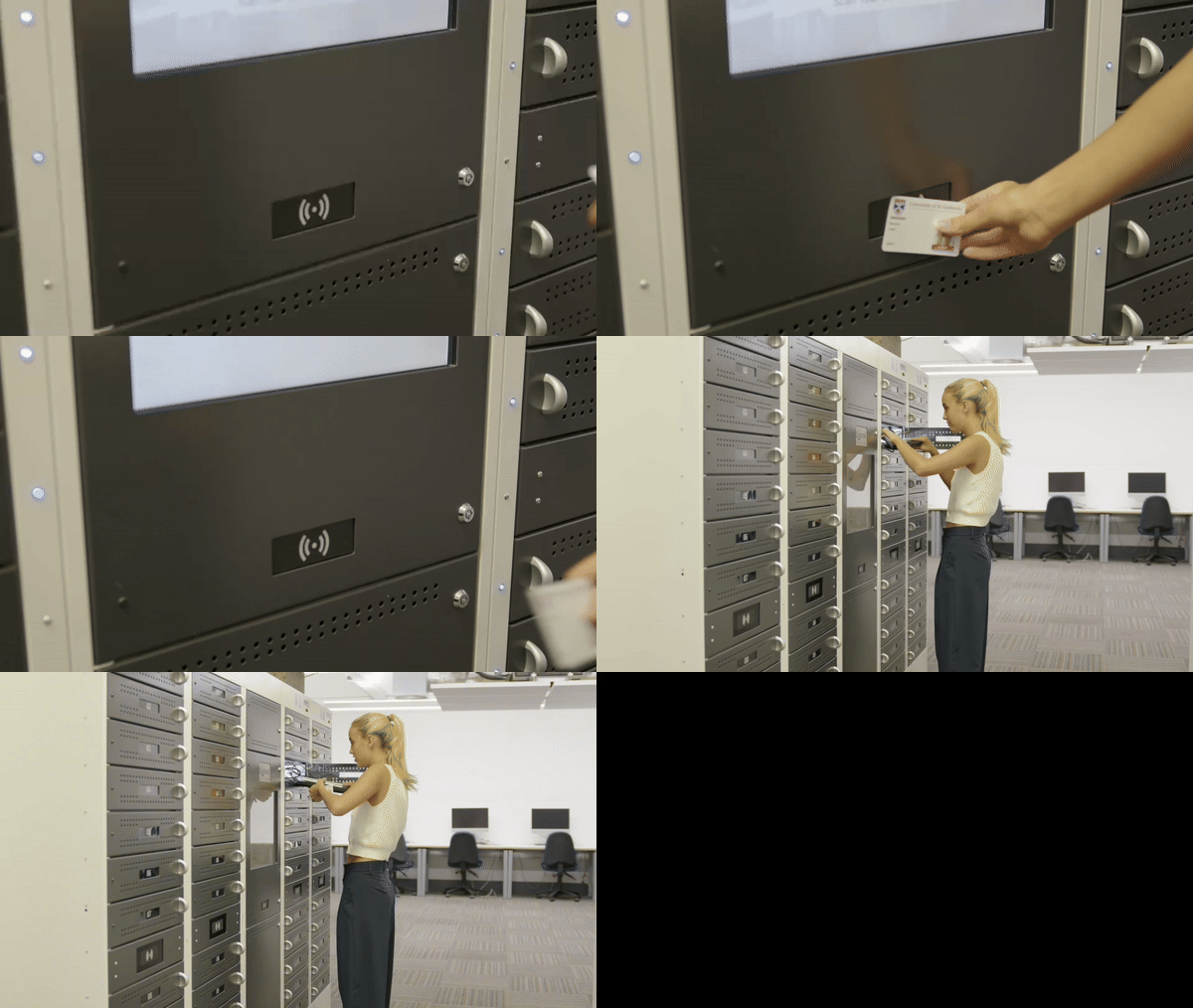
If you need access to a laptop for a short period of time, students can borrow a Windows laptop from the Main Library. It’s free of charge, issued on a first-come first-serve basis and students can sign them out for up to three days.
This is a good short-term option if your device is being repaired or your waiting for a new one to arrive.
Find out more about loan laptops on the IT website
2. Use your student discount to buy one
Student discounts are available when buying laptops and other tech. The University has worked with HP, Dell and Apple to offer savings to those with an @st-andrews.ac.uk account.
Find out more about tech discounts on the IT website.
3. Use a classroom PC

The University has over 1000 PCs for students to use across the Main Library, PC classrooms and various study spaces. These rooms are equipped with Windows workstations and are available throughout the day.
To find a quiet place to study, check how busy each space is using the PC availability page.
If you prefer to study outside regular hours, PC classrooms in Butts Wynd, Irvine, and Bute buildings are open 24 hours. You will need your student ID card to enter.
Find a PC classroom using the University map.
4. Contact the Money Advice Team
If you’re concerned about the cost of buying a laptop or managing your budget, support is available. The University’s Money Advice Team offers personalised guidance to help you explore funding options, manage expenses and make informed financial decisions.